
One product system
Author, run, observe, and visualize temporal stream processors.
A real-time data analytics system.
Chronusphaera brings together language, observation, exploration, and AI into one workflow for real-time systems.
Author, run, observe, and visualize temporal stream processors.
Follow throughput, traces, row counts, plots, and lineage as execution advances.
Explore systems, understand behavior, and delegate actions end to end with Concilium.
The Chronusphaera ecosystem
Execute locally
Run local temporal SQL workflows against JSON streams, validate behavior quickly, and carry the same query shape into server-backed execution.
Open ChronusCLI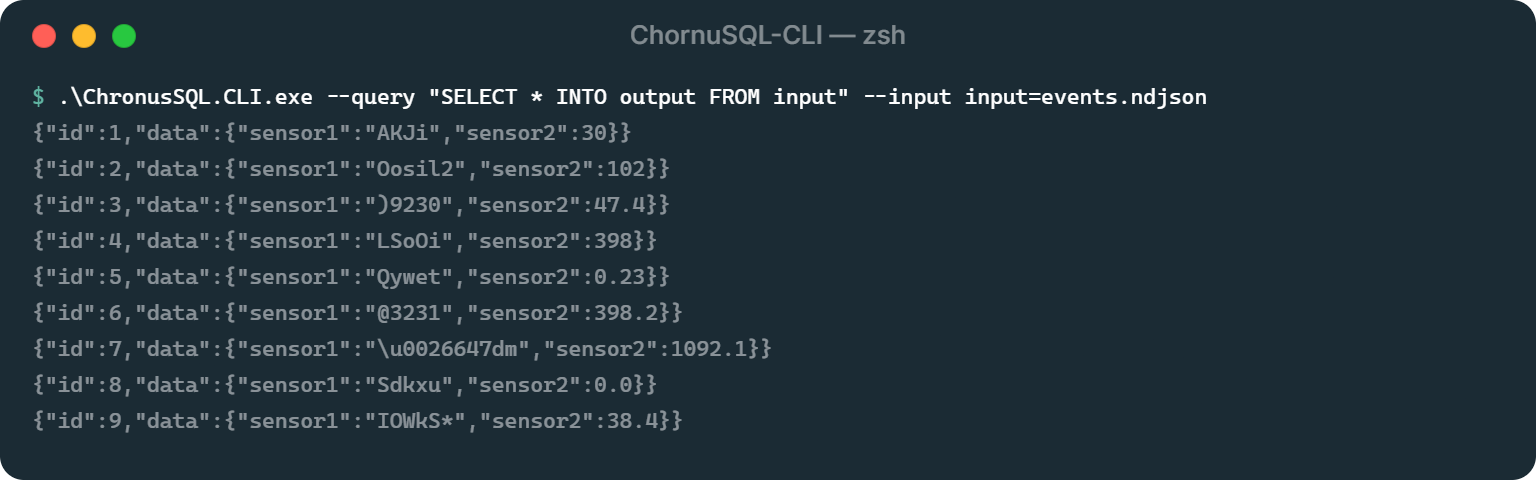
Read the docs
Author event-time SQL for filters, windows, temporal pattern recognition, and online machine learning in a purpose-built language surface.
Open ChronuSQL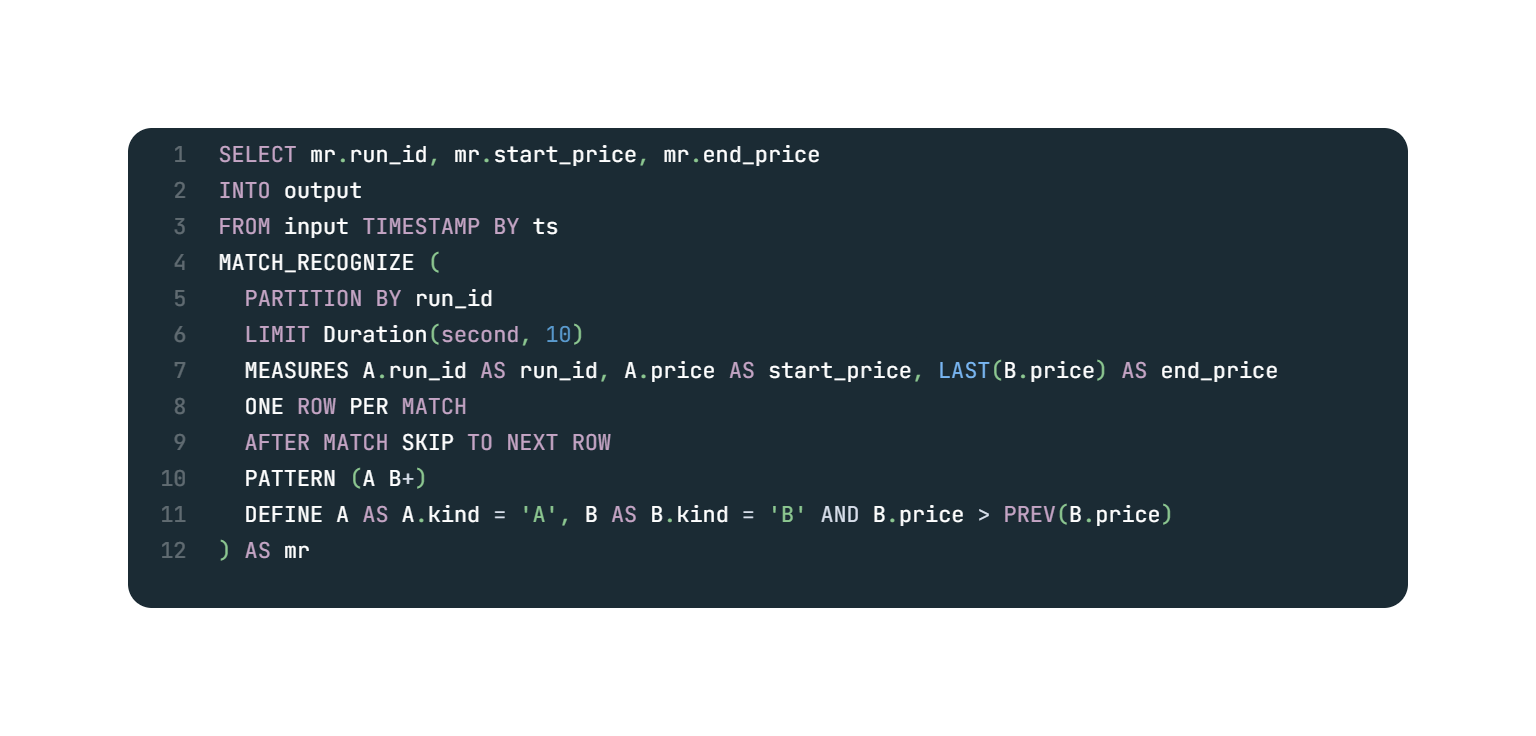
Explore with AI
Talk with Consilium the AI Agent that allows you to explore, understand and delegate actions end to end.
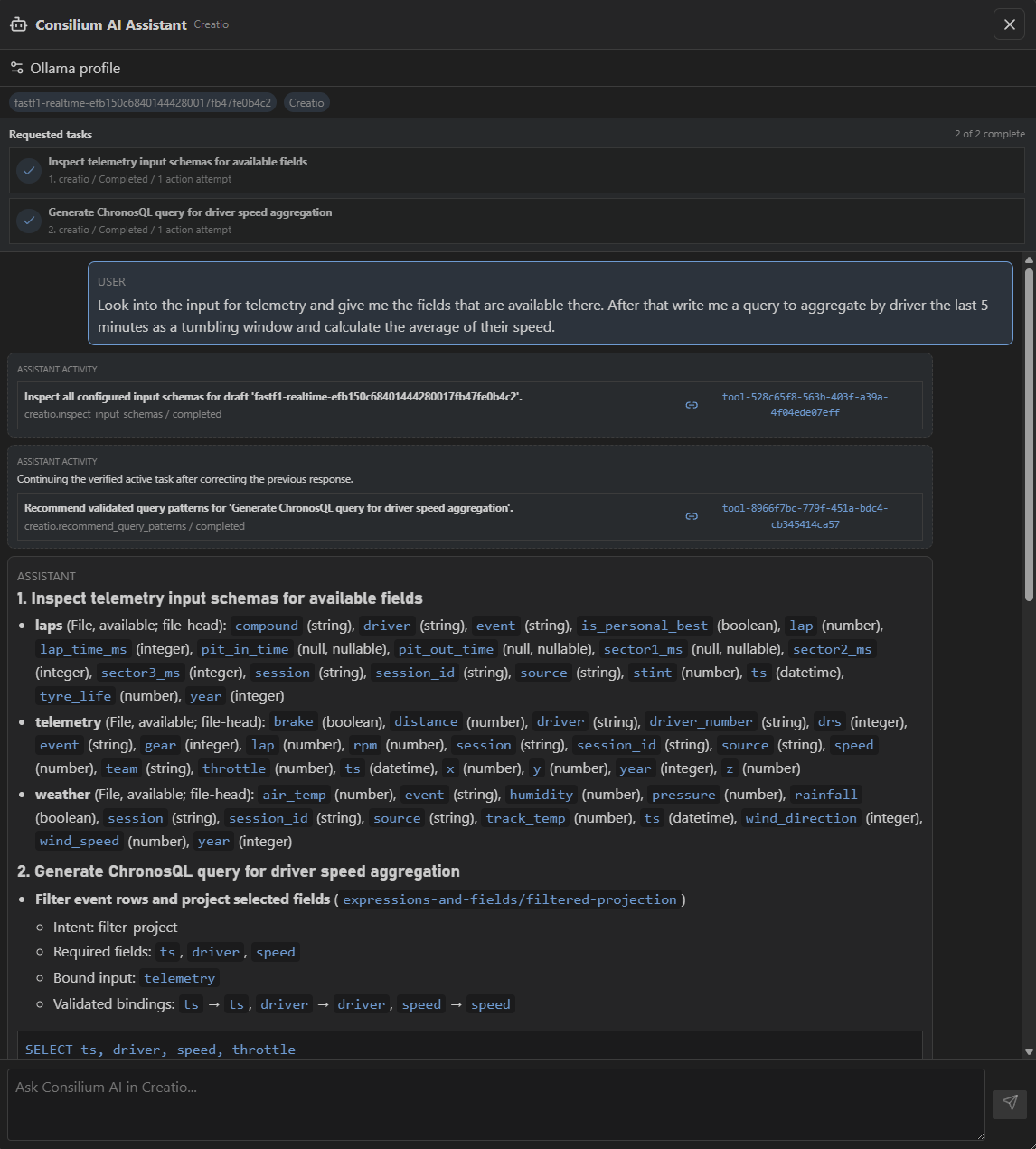
Stage the mechanism
Create and stage ChronuSQL runs, connect inputs and outputs, and keep execution context together for repeatable streaming workflows.
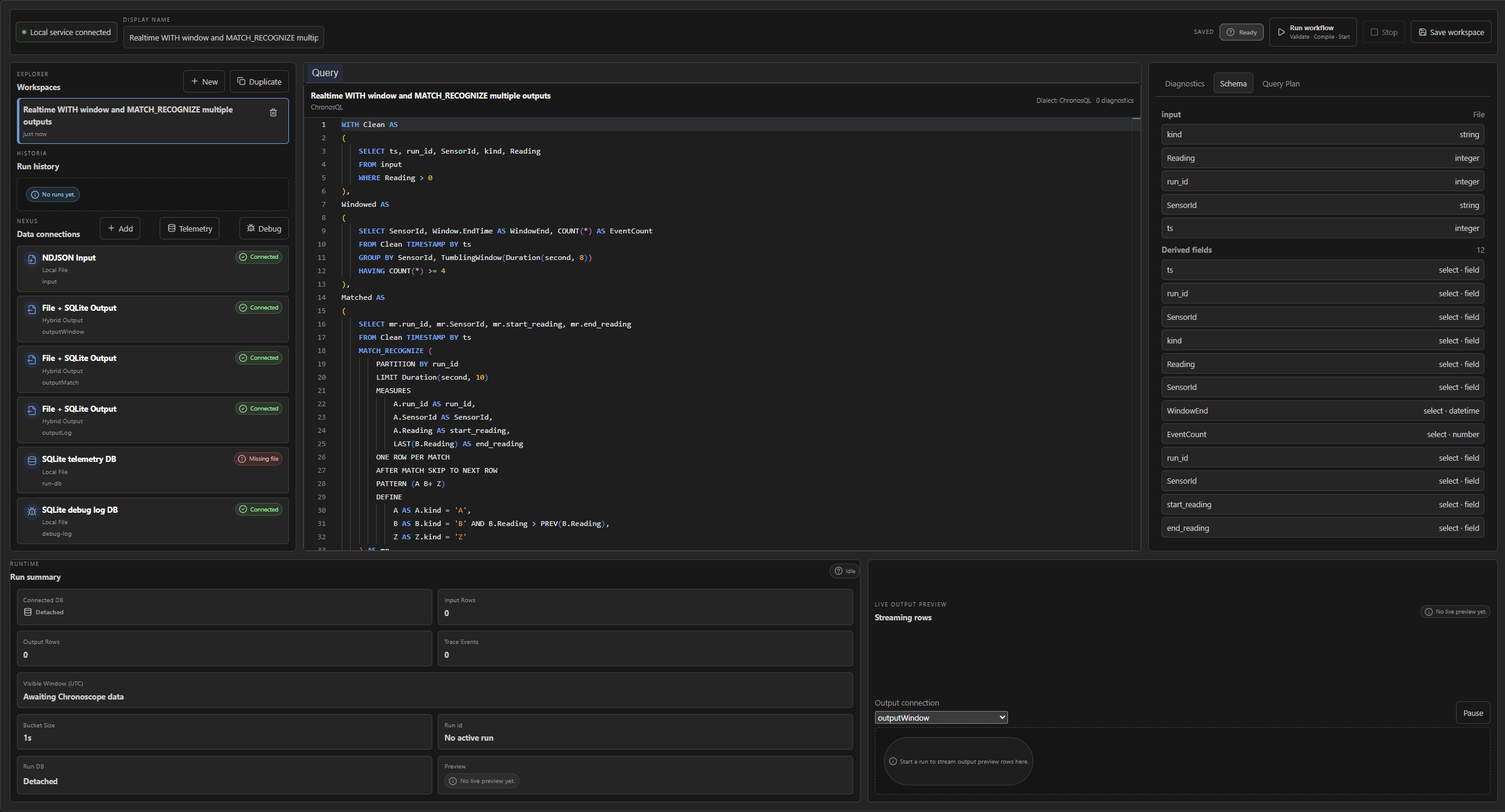
Observe execution
Inspect compiled topology, event lineage, node telemetry, traces, windows, and live query state as execution advances.
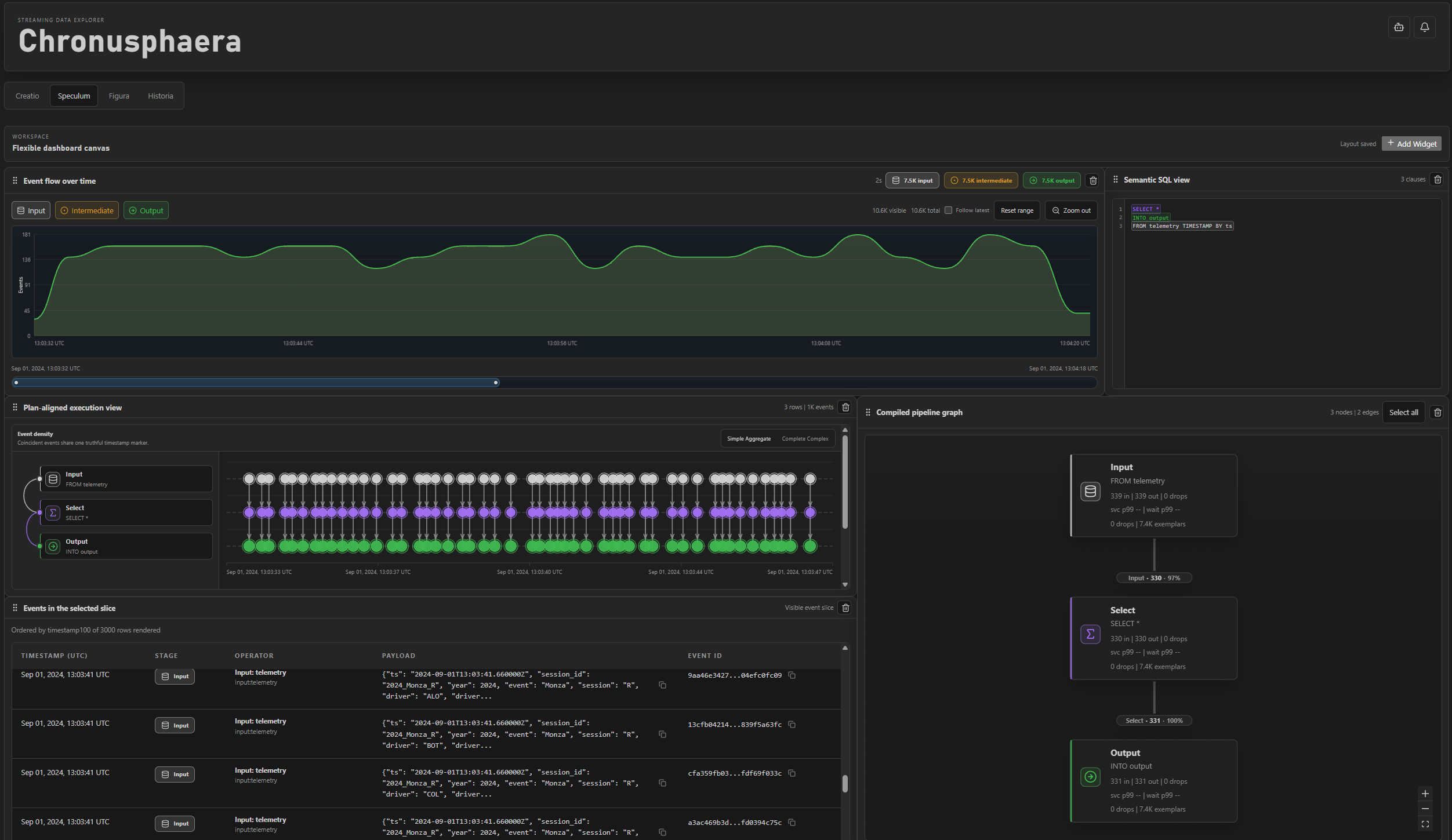
Understand behavior
Explore live and historical stream data through plot surfaces that update during active runs and make temporal behavior visible.
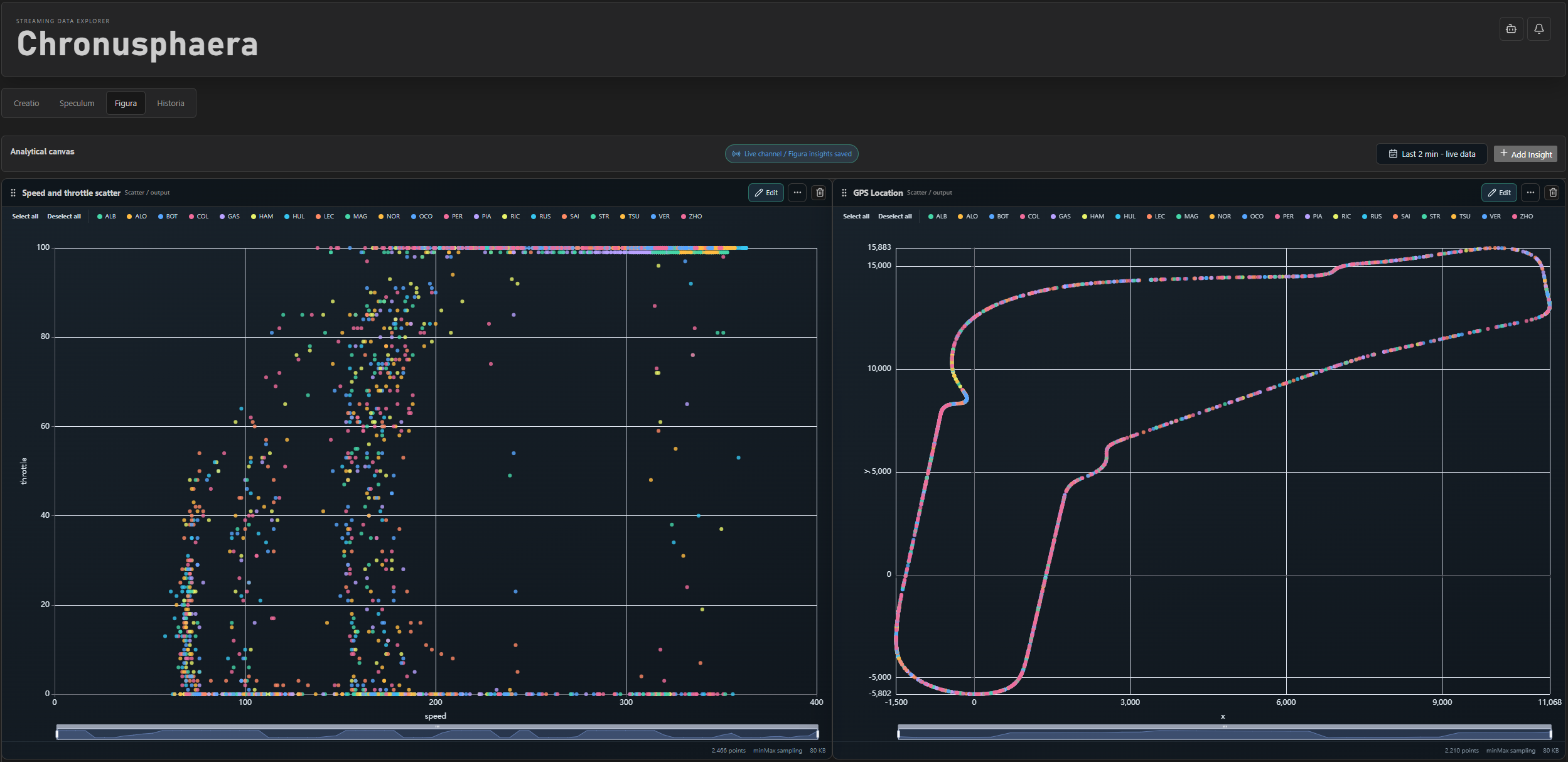
The operating sequence
01
02
03
04